Contact Us
Find your local Lightware office
Lightware products have proven their quality and reliability in countless accomplished projects, where installers were often directly helped by our extensive support services. Learn about some of our public projects from the available case studies.
 OFFICES
 SHOWROOMS
Lightware Americas
USA, Canad


Lightware Australia | Test 1.0
Australia, New Zealand

Lightware France
France, Morocco, Algeria, Tunisia
Lightware Germany
Germany, Austria
Lightware Greater China
China Mainland, Hong Kong SAR, Macau SAR, Taiwan
Lightware Headquarters
HQ, Rest of the World
Lightware Iberia
Spain, Portugal
Lightware India
Hyderabad
Lightware India
Delhi
Lightware India
Mumbai
Lightware India HQ
India, Bangladesh, Sri Lanka, Nepal
Lightware Italy
Italy, Malta and Albania
Lightware Latin America
Mexico, Colombia, Ecuador, Brazil, Peru, Bolivia, Chile, Paraguay, Argentina, Uruguay, Venezuela
Lightware Nordics
Denmark, Finland, Norway, Sweden, Iceland, Estonia
Lightware Singapore
Singapore, Malaysia, Indonesia, Vietnam, Thailand, Philippines
Lightware Switzerland
Switzerland, Liechtenstein
Lightware UK
United Kingdom, Ireland
Düsseldorf Training Center


Iberia Experience Center
Lightware Middle East
United Arab Emirates, Qatar, Saud Arabia, Oman, Egypt, Bahrain, Kuwait, Yemen, Iraq
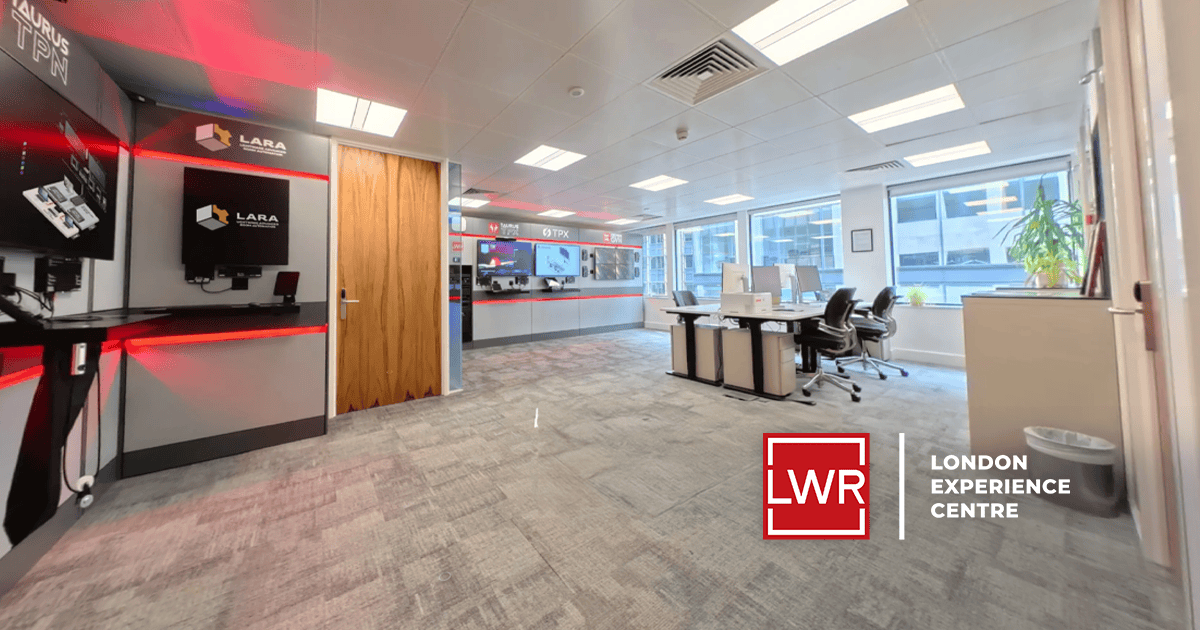
London Experience Centre
Paris Experience Center
France, Morocco, Algeria, Tunisia
Schwerzenbach Experience Center
Switzerland, Liechtenstein

Cisco Room Device integration on LARA 2.0
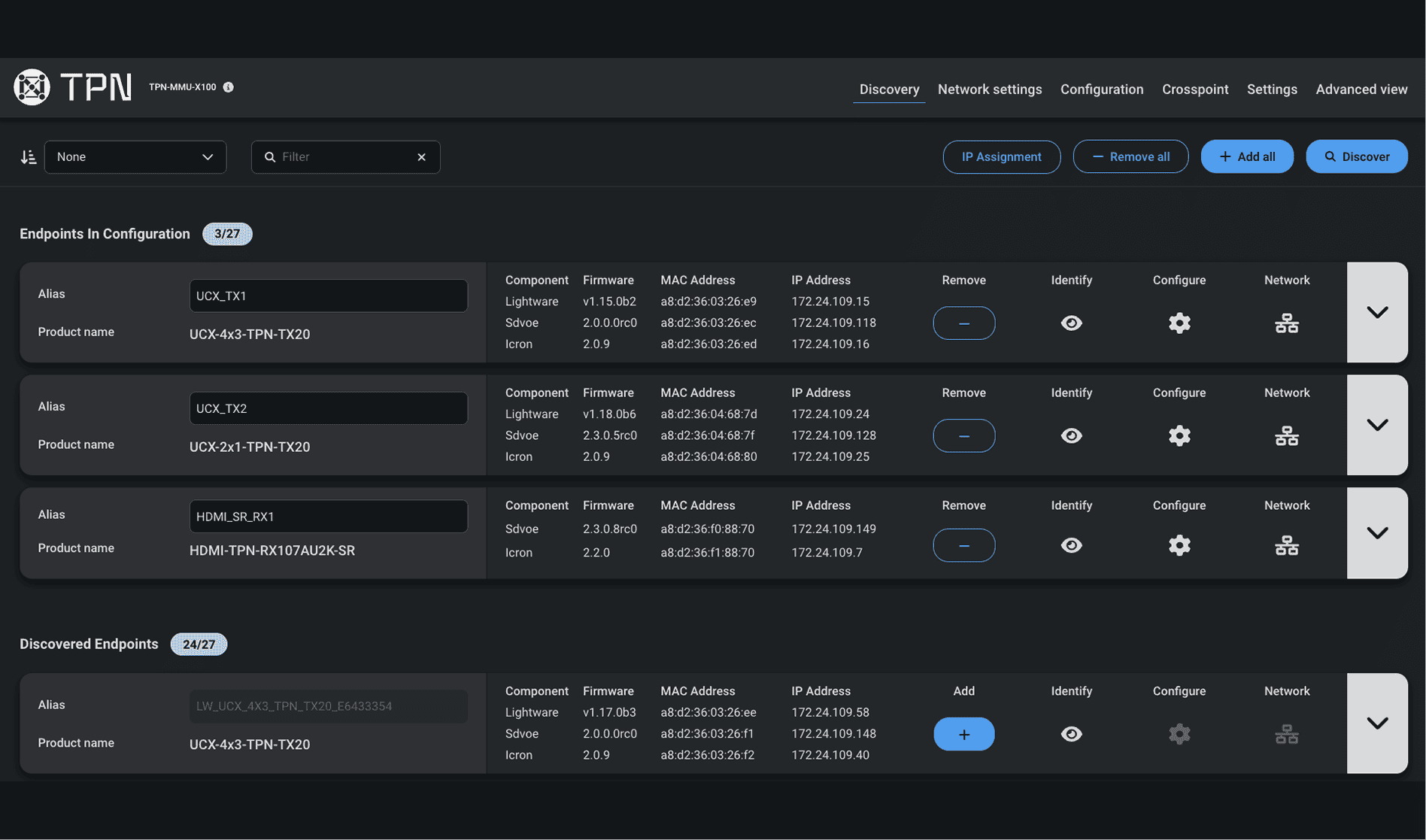
MMU automatically discovers TPN and OPTN devices across your 10G SDVoE network and builds an interactive topology map so you can see every transmitter, receiver and switch instantly. Device details (IP, MAC, alias, firmware version and status) are presented centrally, making inventory, troubleshooting and commissioning far faster than manual discovery or per-device scans.
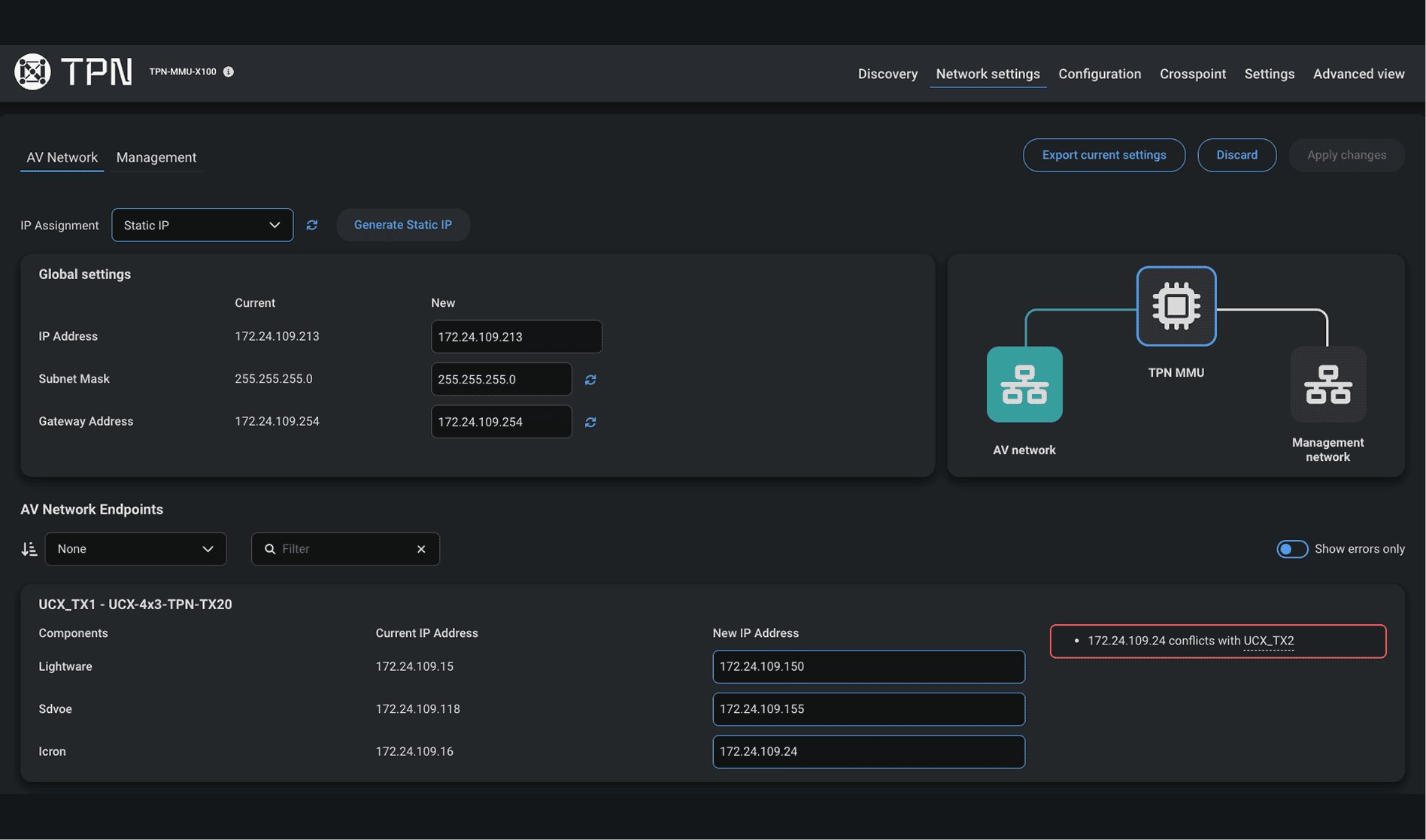
Configure network, video, and serial settings from a dedicated MMU interface designed for fast, error-free setup. The system is built around clear separation between AV and Management networks, improving security, stability, and predictability in complex deployments. Easily switch between DHCP and static IP modes with built-in validation for IP conflicts and subnet mismatches. Centralized network controls and device-level settings ensure consistent configuration across AV and Management paths, reducing setup errors and enabling reliable, long-term operation.
Cisco Room Device integration on LARA 2.0
MMU automatically discovers TPN and OPTN devices across your 10G SDVoE network and builds an interactive topology map so you can see every transmitter, receiver and switch instantly. Device details (IP, MAC, alias, firmware version and status) are presented centrally, making inventory, troubleshooting and commissioning far faster than manual discovery or per-device scans.
Configure network, video, and serial settings from a dedicated MMU interface designed for fast, error-free setup. The system is built around clear separation between AV and Management networks, improving security, stability, and predictability in complex deployments. Easily switch between DHCP and static IP modes with built-in validation for IP conflicts and subnet mismatches. Centralized network controls and device-level settings ensure consistent configuration across AV and Management paths, reducing setup errors and enabling reliable, long-term operation.

t

t

test
test
test
1 Application Diagrams
Subtitle
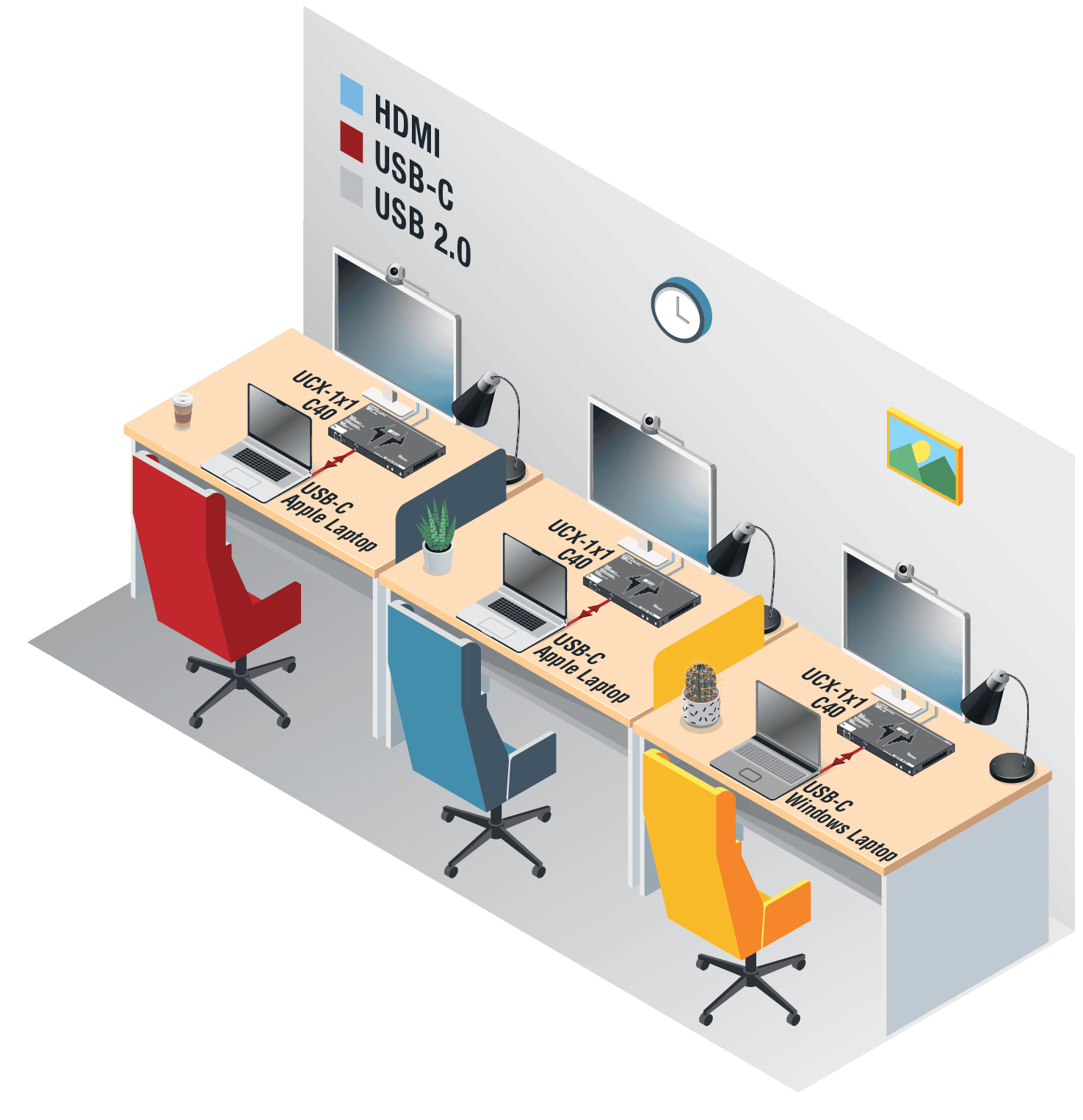
Application diagrams are visual representations that map out the structure, components, and interactions within a software application. They help developers, architects, and stakeholders understand how an application works, how its parts connect, and how data flows through the system.
These diagrams can show various levels of detail, from high-level overviews to specific technical workflows.
2 Application Diagrams
Application diagrams are visual representations that map out the structure, components, and interactions within a software application. They help developers, architects, and stakeholders understand how an application works, how its parts connect, and how data flows through the system.
These diagrams can show various levels of detail, from high-level overviews to specific technical workflows.
3 Taurus Smart Docks
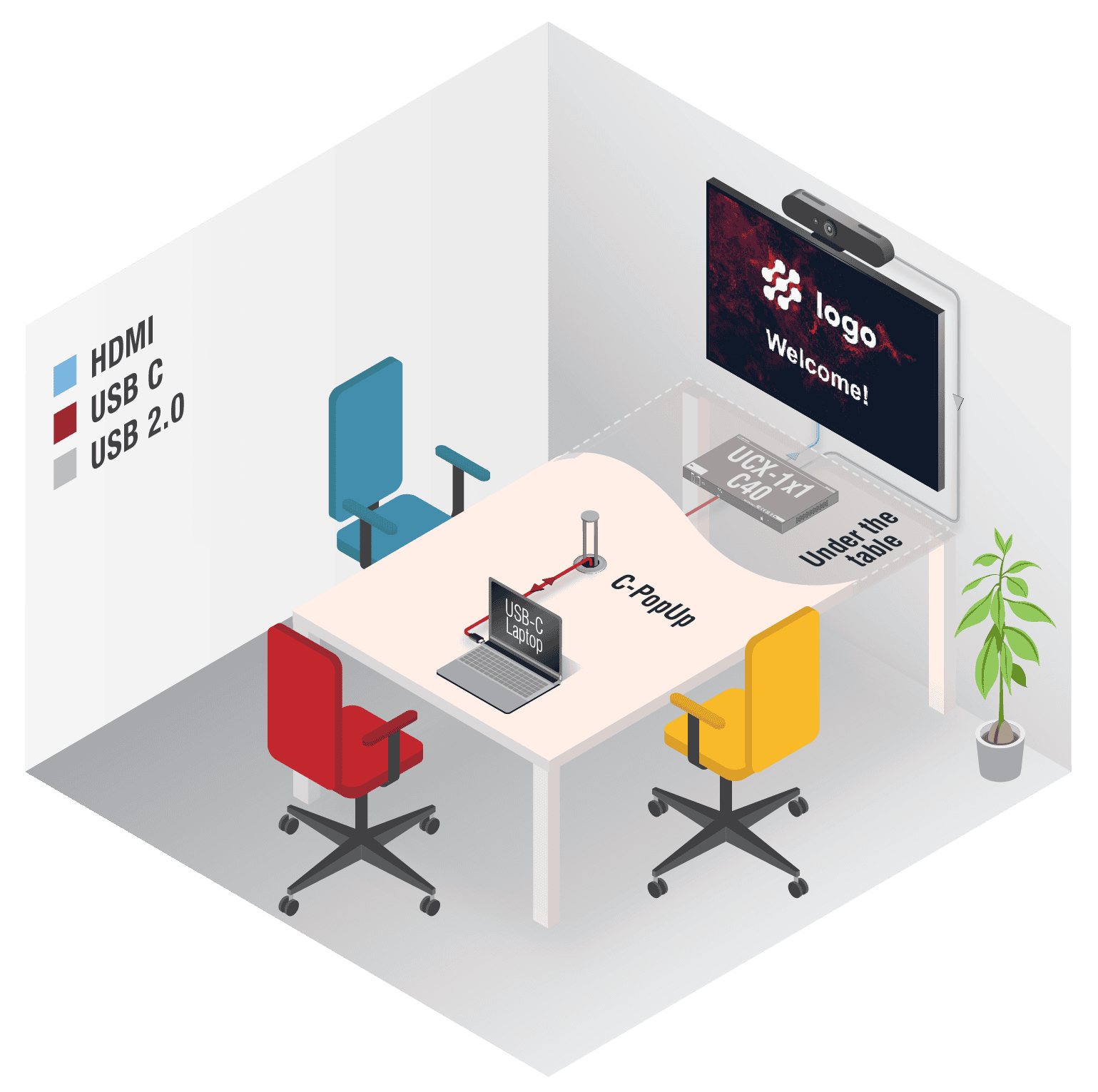
A professional 2-in-1 solution for huddle rooms
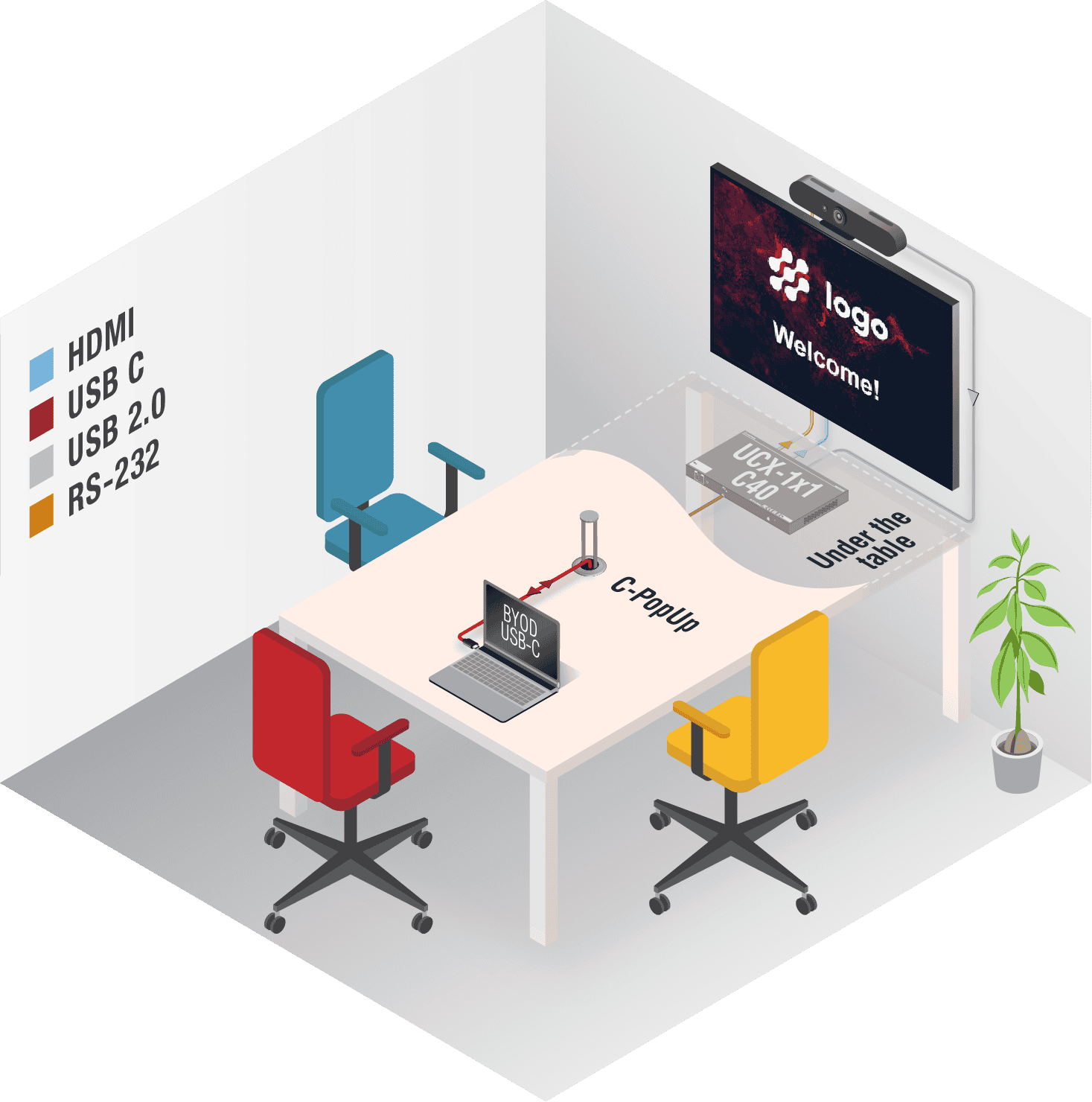
With Taurus Smart Dock you can connect your laptop and use the room assets like all the USB peripherals. Hosting meetings on any platform has never been this effortless. With the Taurus Smart Dock, you won’t accidentally leave the device powered on, as unplugging the cable automatically puts the meeting room to sleep.
2 Taurus Smart Docks
A professional 2-in-1 solution for huddle rooms
With Taurus Smart Dock you can connect your laptop and use the room assets like all the USB peripherals. Hosting meetings on any platform has never been this effortless. With the Taurus Smart Dock, you won’t accidentally leave the device powered on, as unplugging the cable automatically puts the meeting room to sleep.

Discover Lightware's Education Solution
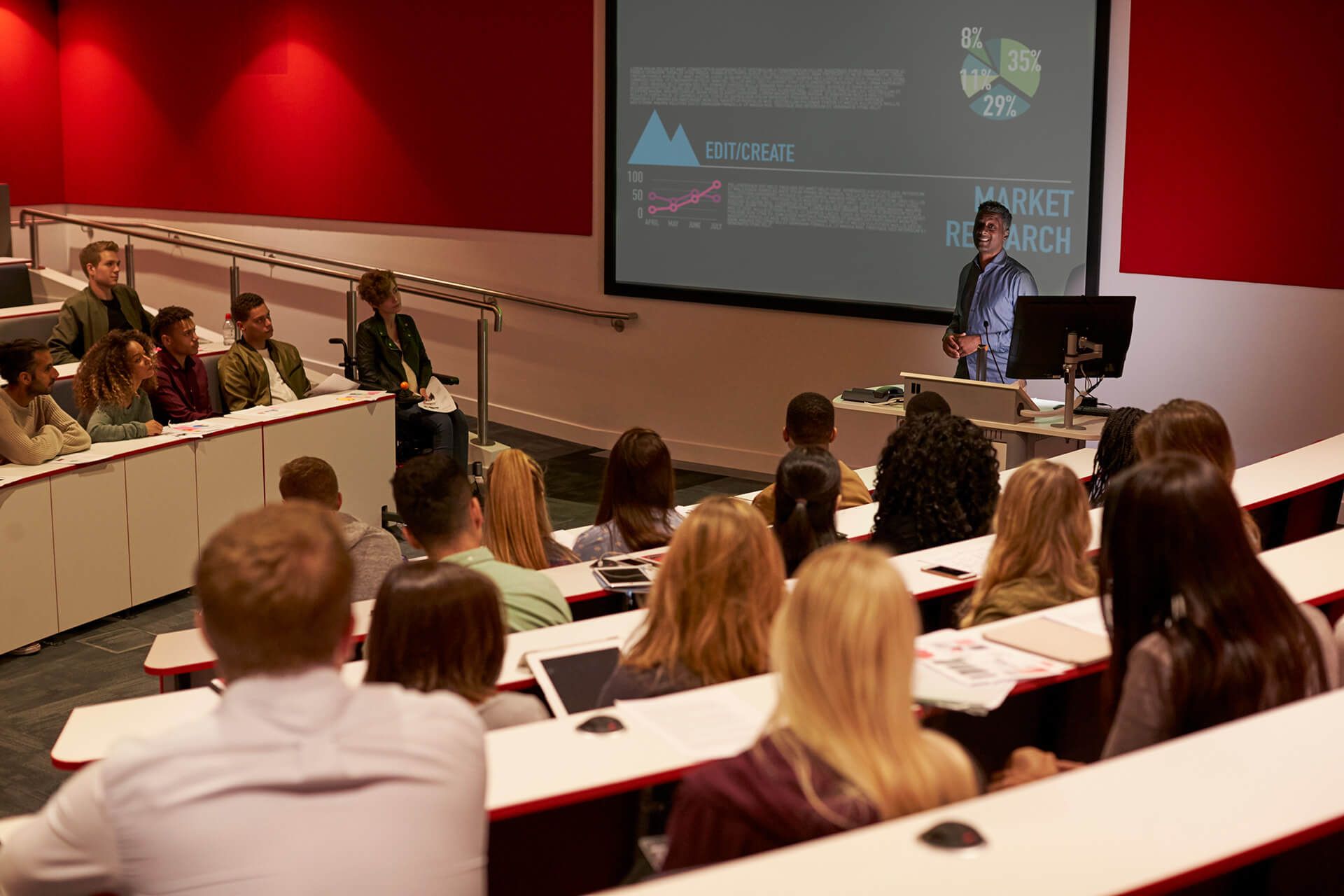
Lightware améliore l’enseignement avec des solutions audiovisuelles innovantes en favorisant une intégration aisée et une expérience d’apprentissage engageante dans les salles de classe et au-delà.
Discover Lightware's Corporate Solutions t
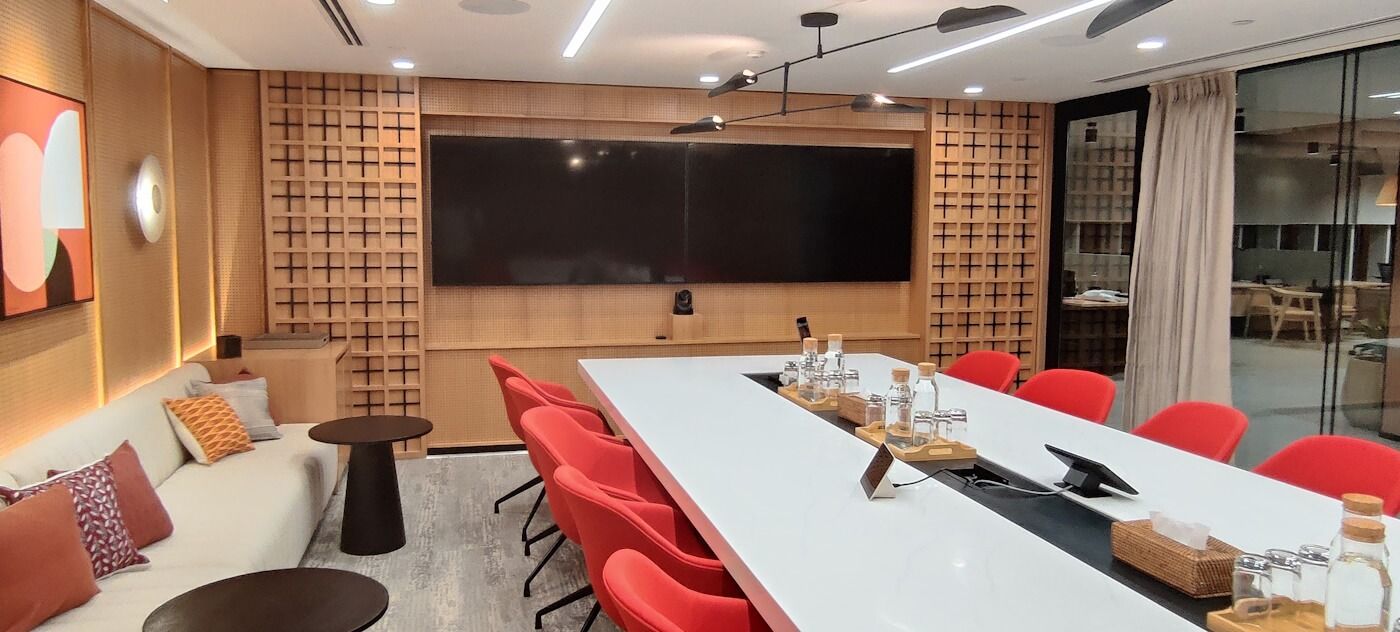
Lightware apporte des innovations avec des solutions audiovisuelles avancées conçues pour améliorer la collaboration et l’efficacité dans les environnements professionnels.
25G HYBRID -tes
Barco Clickshare Product Family
Barco Integration
Collaboration of Lightware and Cisco enables dual-screen extended desktop BYOD experience
Unlock the full potential of Cisco meeting rooms with Lightware’s Taurus UCX Dual-Screen solution.
This integration enables simultaneous 4K output on both displays and instant screen sharing via a single USB-C connection Out of call, users enjoy native 4K content across both screens, while during calls the Cisco system still recognizes both inputs but allows sharing from only one source at a time. In-call operation automatically shifts to single-screen mode for a seamless MTR and RoomOS experience.
No coding, scripting, or manual setup required.
System setup in Lightware Device Controller takes only three simple steps. By emulating the Cisco codec’s EDID across all UCX inputs, applying manual routing, and disabling HDCP, users achieve a stable, plug-and-play MultiStream experience designed for modern hybrid collaboration in Cisco Room Kit EQ, Roomkit Pro, or Room Kit Plus powered spaces.
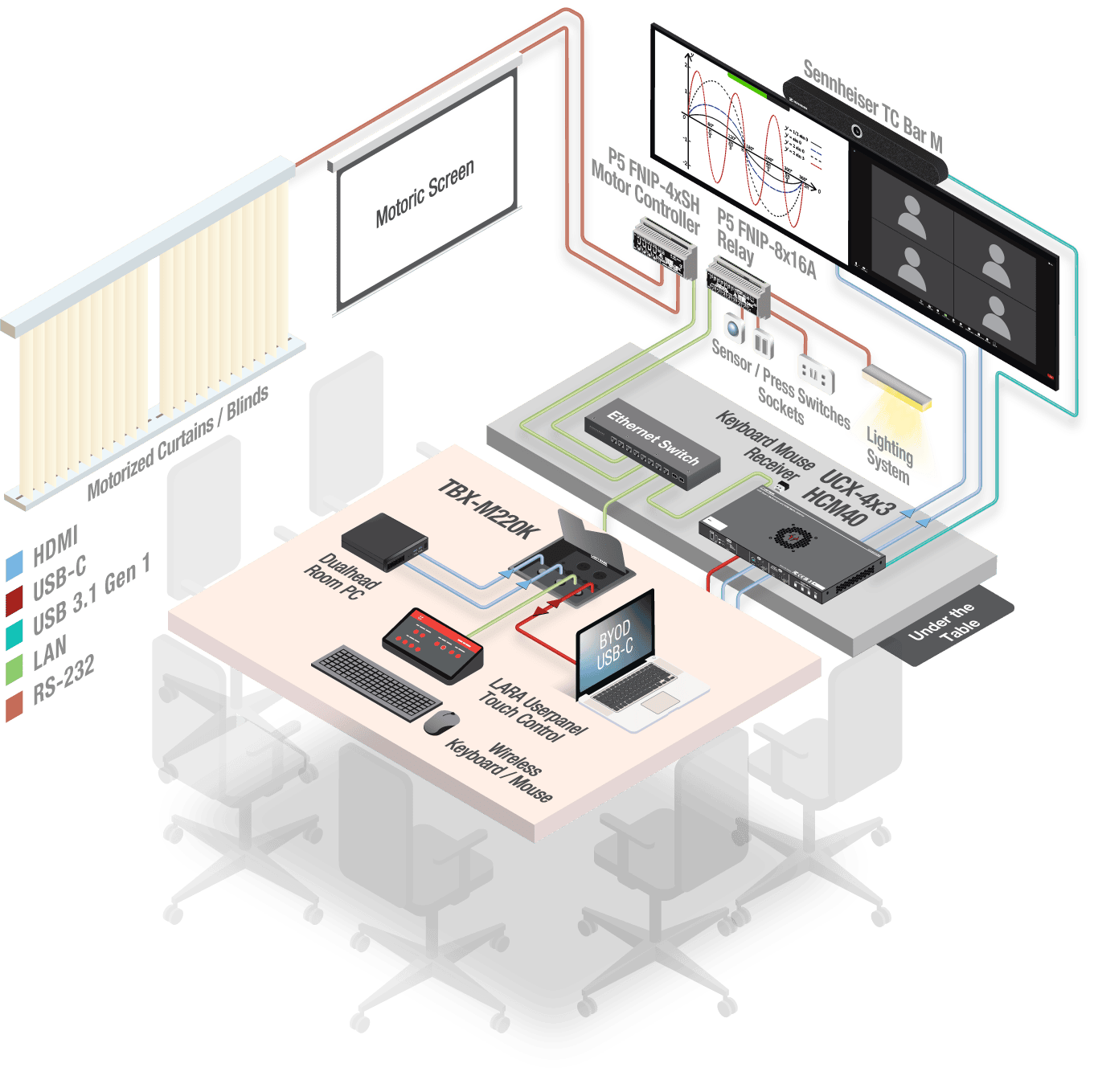
test